Applies to:
Professional Hosting
WordPress Hosting
Universal Hosting
Reseller Hosting
Difficulty:
Easy
Time Needed:
5 minutes
Introduction
Sometimes our team may require access to your website or emails to provide a more hands on support service. This guide will show you how to use our Secure Send service to share your sensitive data safely with our team.
Secure Send
STEP 1
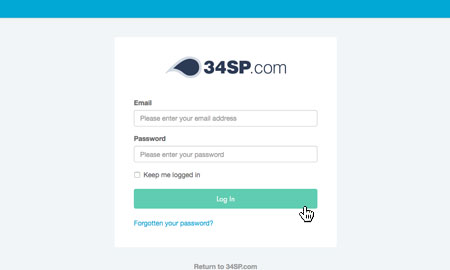
Login to your account
Firstly, you’ll need to login to your 34SP.com account at https://account.34sp.com.
STEP 2
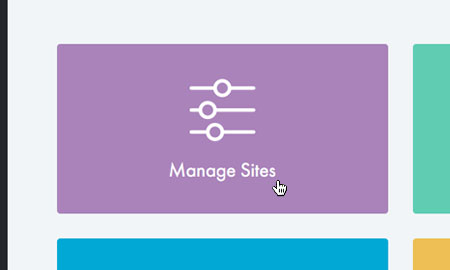
Choose ‘Manage Websites’
Once you have logged in, click on the Manage Sites icon.
STEP 3
Choose ‘Settings’
Locate the website you wish to send the details for and click Settings.

STEP 4
Choose ‘Secure Send’
From the list of options select Secure Send.

STEP 5
Fill in the form
On this page you will have a form where you can submit your website or email login details.
Fill in the ticket number if required and click on Send securely.
Information will be encrypted while it’s sent and stored with us. It will expire and no longer be stored 48 hours after your support query has ended.
